Fork API
This documents the Web Dashboard, which is being retired
New projects use the CLI flow. These pages stay available while you migrate. See how to move and the full list of Web Dashboard docs.
Forking an API will allow you to duplicate an existing API version.
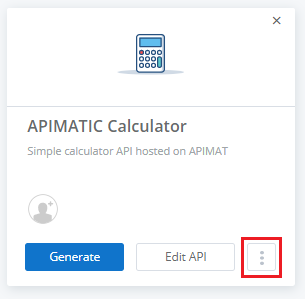
On the APIMatic Dashboard, click on the kebab menu (three vertical dots) visible on the API tile.
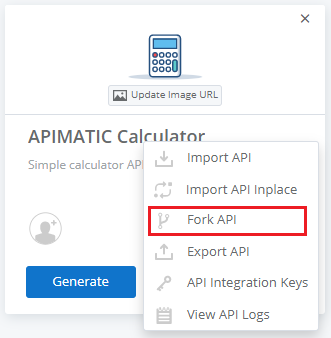
Select Fork API option.
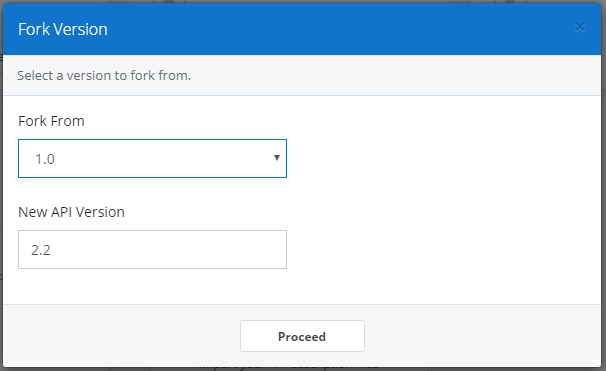
You will be prompted to select a version to fork from and to specify the new version for the forked API. Once this is done, click on Proceed.
Congratulations! You have successfully forked an API version.
