We've introduced success notifications for API calls in API Recipes, allowing developers to confirm a successful response directly in the workflow.
What's New?
Developers can now surface a success confirmation to users when an API call succeeds in API Recipes. A toast notification appears at the bottom of the screen with a message set by the developer.
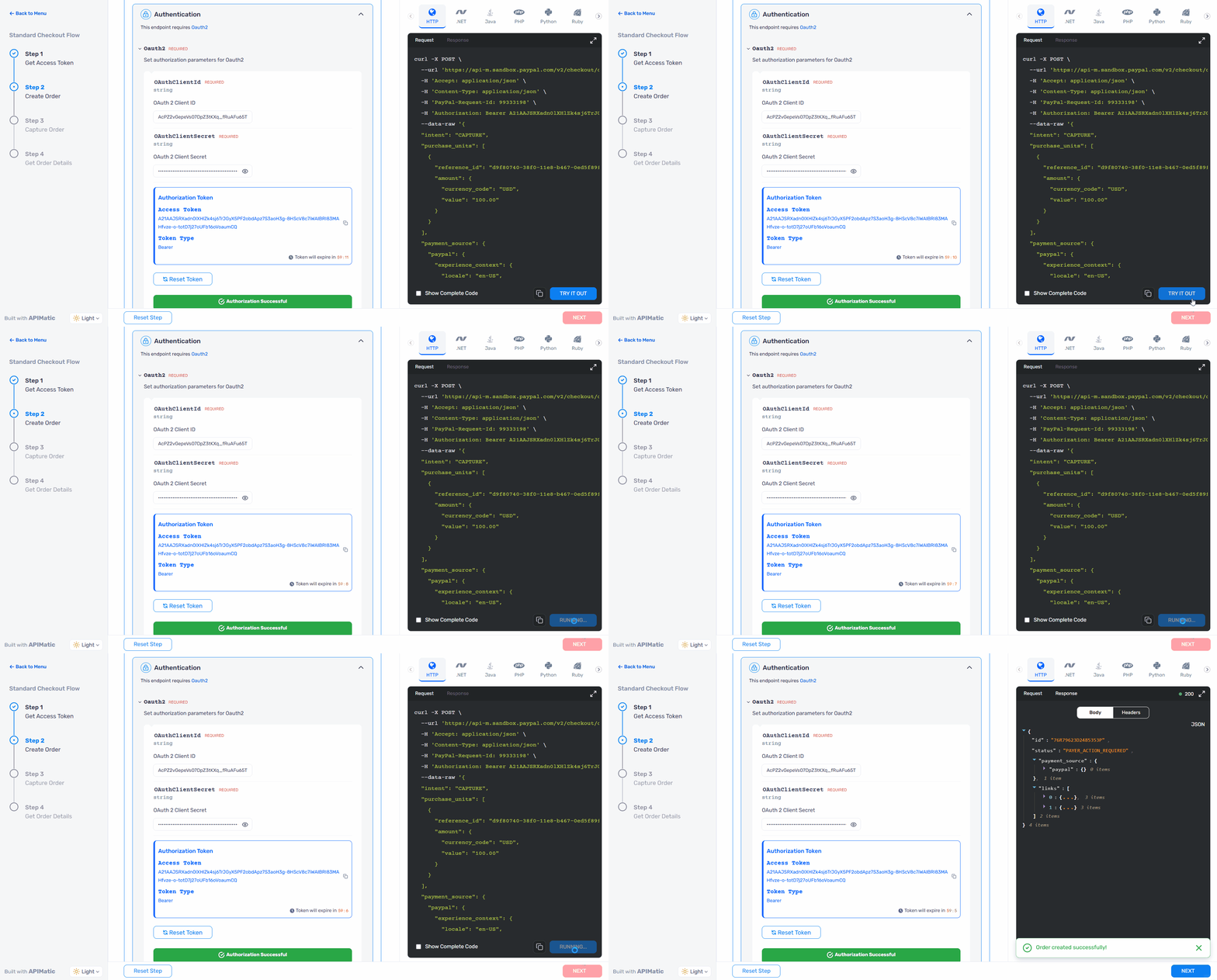
Success Message
A new setSuccessMessage function is now available in the verify function. Use it to define the message shown to users on a successful API call:
verify: (response, setError, setSuccessMessage) => {
  if (response.status === 200) {
    setSuccessMessage("Your API key was verified successfully!");
    return true;
  }
  setError("Verification failed. Please check your credentials.");
  return false;
},
If setSuccessMessage is not called, a default message of "API Call was successful" is shown automatically, so users always receive confirmation of a successful call.