You can now reference entire endpoint groups in toc.yml using endpoint-group, making it easier to organize large APIs and keep your documentation in sync with your API specification.
What’s New?
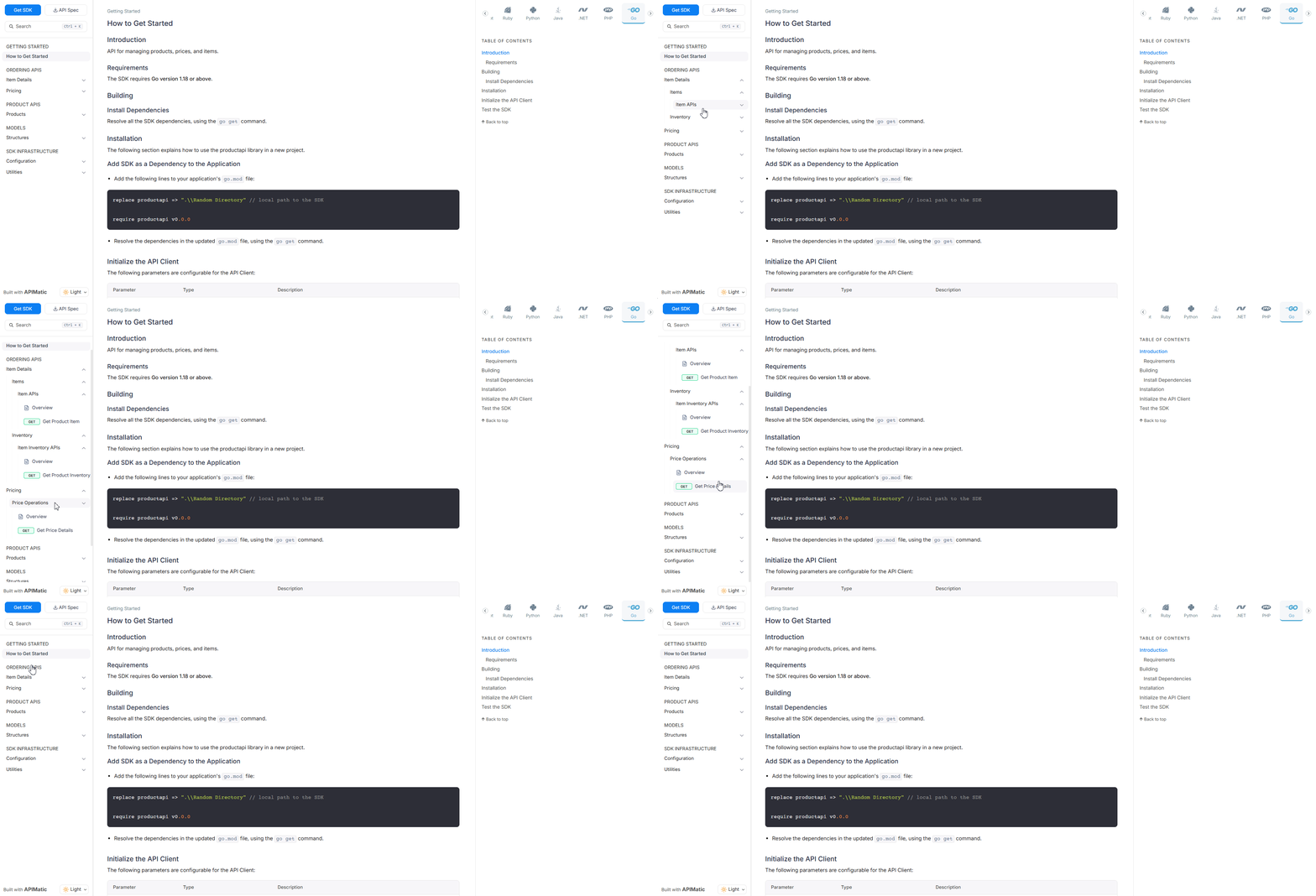
A new way to add endpoint groups to your toc.yml: use a generate entry with from: endpoint-group. All endpoints associated with that group in the API specification are included automatically.
- Manual Grouping
- Endpoint Group Reference
toc:
  - group: Ordering APIs
    items:
      - group:  Item Details
        items:
          - group: Item APIs
            items:
              - generate:
                from: endpoint-group-overview
                endpoint-group: item
              - generate:
                from: endpoint
                endpoint-name: GetProductItem
                endpoint-group: item
          - group: Item Inventory APIs
            items:
              - generate:
                from: endpoint-group-overview
                endpoint-group: inventory
              - generate:
                from: endpoint
                endpoint-name: GetProductInventory
                endpoint-group: inventory
      - group: Pricing
        items:
          - group: Price Operations
            items:
              - generate:
                from: endpoint-group-overview
                endpoint-group: price
              - generate:
                from: endpoint
                endpoint-name: GetPriceDetails
                endpoint-group: price
toc:
  - group: Ordering APIs
    items:
      - group:  Item Details
        items:
          - generate: Item APIs
            from: endpoint-group
            endpoint-group: item
          - generate: Item Inventory APIs
            from: endpoint-group
            endpoint-group: inventory
      - group: Pricing
        items:
          - generate: Price Operations
            from: endpoint-group
            endpoint-group: price
This approach streamlines your configuration and keeps your sidebar organized as your API evolves.
Benefits
- Reduce repetitive configuration in
toc.yml - Keep documentation aligned automatically with the API specification
- Simplify maintenance when endpoints are added or updated
- Improve sidebar organization and navigation clarity
For detailed configuration steps, refer to this documentation.