We've added support for configurable sidebar widths in the API Developer Portal. You can now control the left navigation sidebar width using the layout.sidebar.size portal setting, with four predefined sizes to choose from.
What's New
- Configurable sidebar width: Control the left navigation sidebar width via the
layout.sidebar.sizeportal setting. - Predefined sizes: Choose from four width options depending on your content needs.
| Size | Width | Description |
|---|---|---|
sm | 272px | Default size, suitable for minimal layouts |
md | 290px | Slightly wider for balanced content |
lg | 320px | Comfortable width for most use cases |
xl | 355px | Maximum width for dense or content-heavy sidebars |
- Before
- After
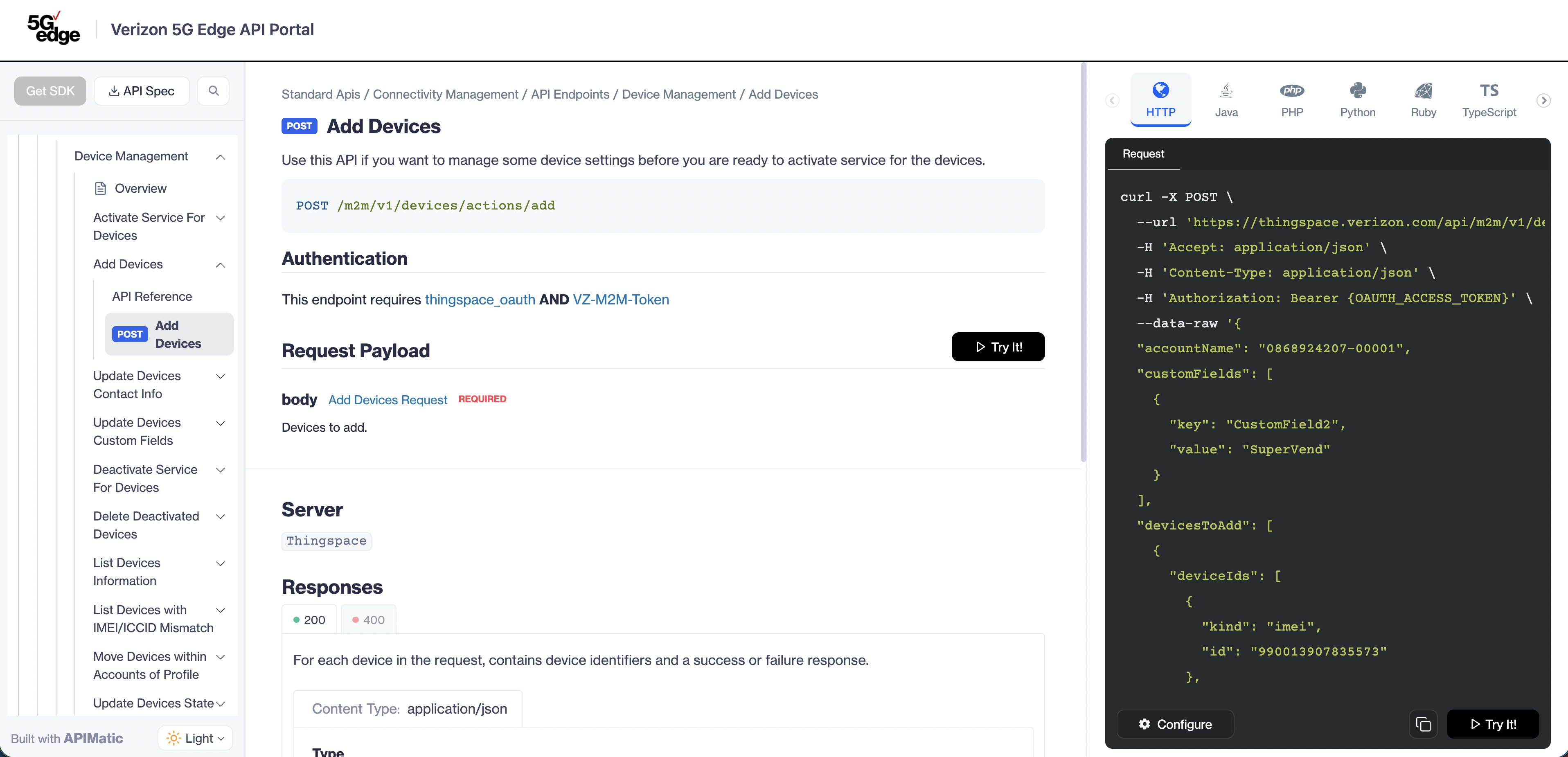
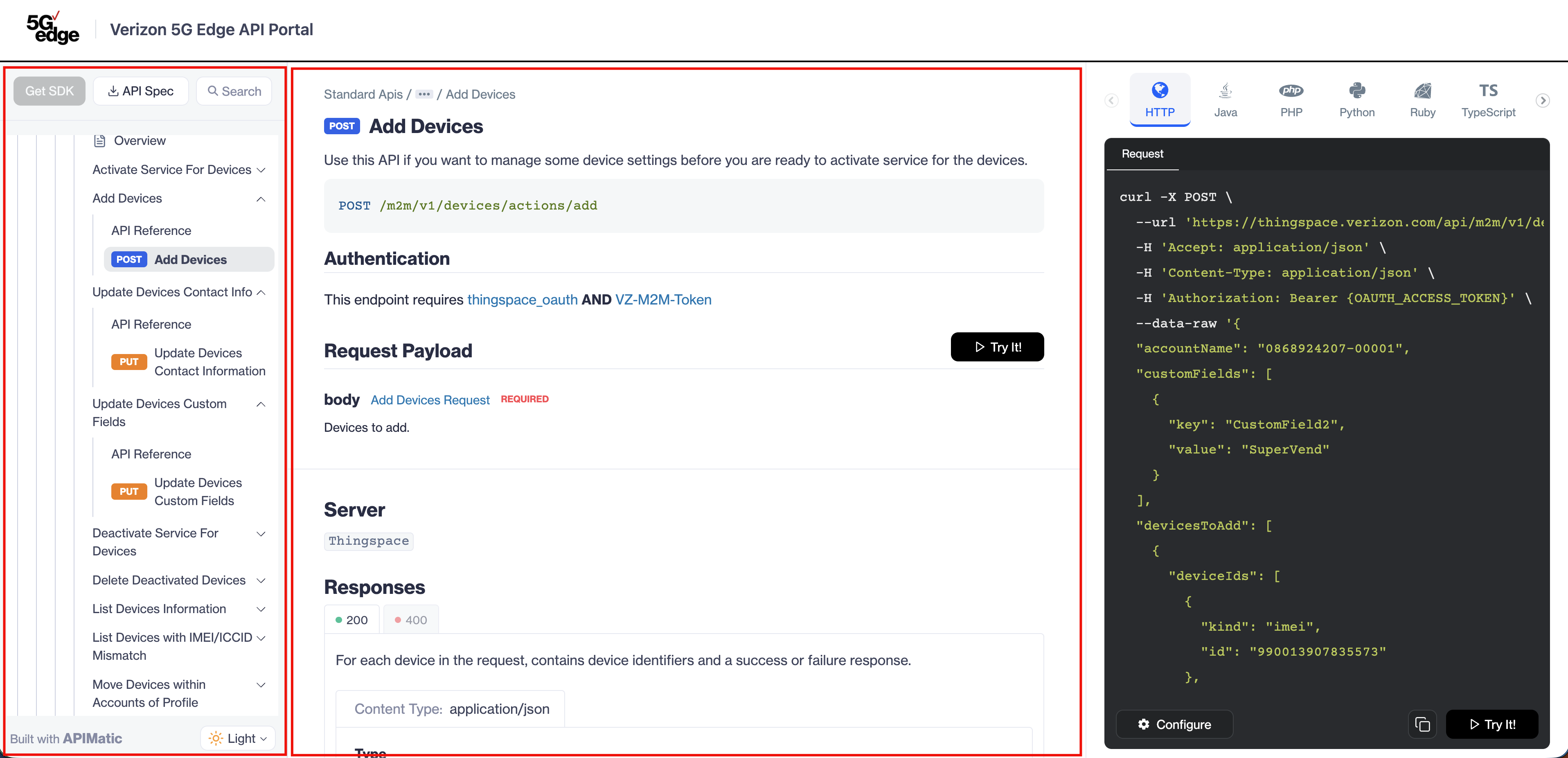
Configuration Example
Use the following structure to configure the sidebar width in your portal settings:
{
  "generatePortal": {
    "portalSettings": {
      "theme": {
        "layout": {
          "sidebar": {
            "size": "lg"
          }
        }
      }
    }
  }
}
layout.sidebar.size: Sets the width of the left navigation sidebar. Accepts"sm","md","lg", or"xl".
For full configuration details, see the theme layout configuration reference.
Backwards Compatibility
- Portals with no
layout.sidebar.sizeconfigured keep the existing sidebar width (sm) with no visual changes. - When
layout.sidebar.sizeis configured, the sidebar width changes and the main content area adjusts to fit.