
Install the GitHub App
Install the APIMatic OpenAPI Linter GitHub App and choose which API definitions it validates.
Prerequisites
Before getting started, ensure you have the following:
- Repository Permissions: You must have the appropriate permissions to install the app on your GitHub repository. If you're a member of an organization, the organization owner must approve the installation.
- APIMatic Account: You need a free APIMatic account. Sign up for free.
Get started
1. Install the app
-
Go to the APIMatic OpenAPI Linter GitHub App page and select "Install" to install the app.
-
Choose the GitHub account or organization where you want to install the app.
-
Select the repositories where you want the app to run.
-
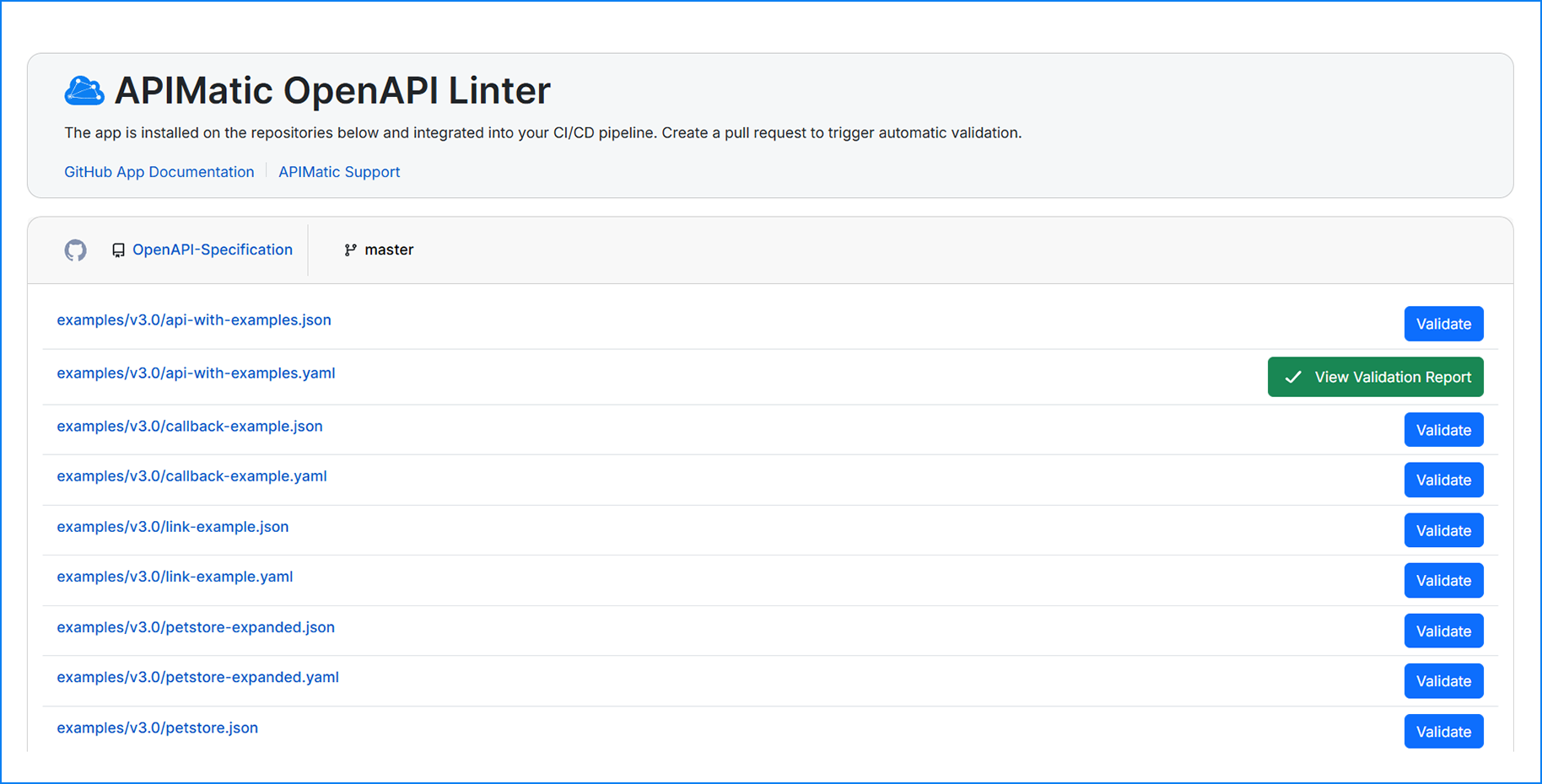
Authorize the app with your APIMatic account (you will be automatically redirected to APIMatic's sign-in page). Don't close the page until the authorization is successful and you see the dashboard.
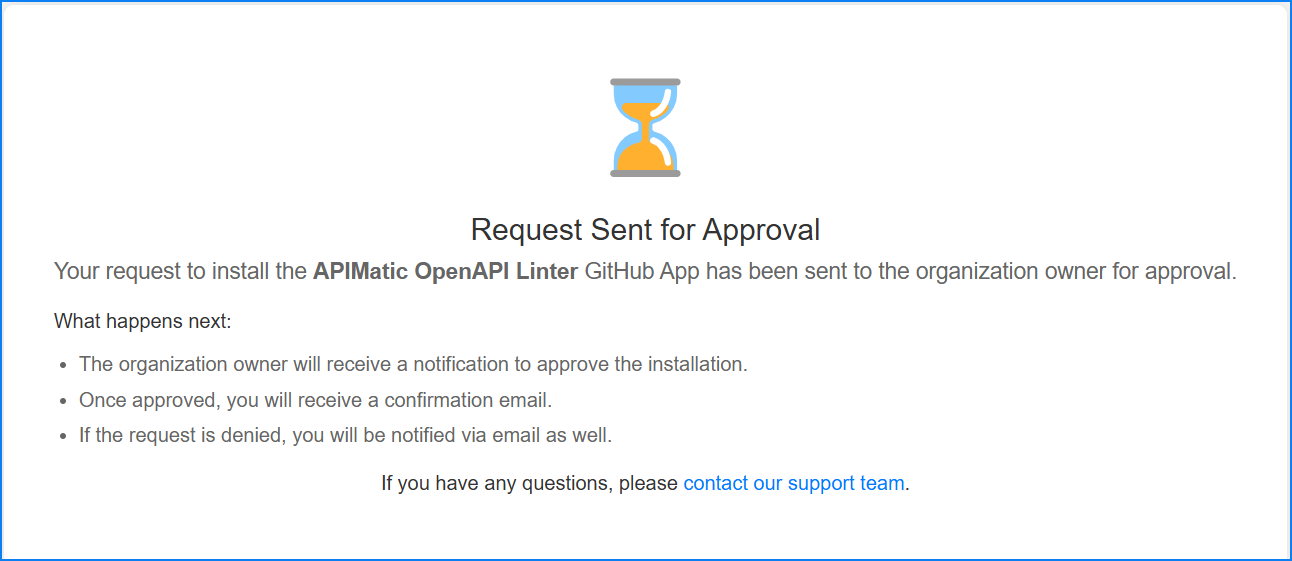
If you're installing on an organization, the organization owner must approve the installation.
2. Configure the app (optional)
Once installed, the app validates OpenAPI definitions every time you open a pull request or push new commits to it.
By default, the app detects the definitions on its own. It treats every JSON or YAML file with a top-level openapi field as an OpenAPI definition and follows its $ref references to other files. It then validates each definition that the pull request changes, including changes to the files that the definition references.
To configure the app, add a .apimaticsettings.json file at the root of your repository. The app reads this file from the head commit of the pull request, so changes to the file apply to the same pull request. Setting names are case-sensitive.
Define OpenAPI definition paths
If you want to validate specific OpenAPI files or directories instead of the detected definitions, list them in OpenAPIDefinitionPaths.
Here's an example:
{
  "OpenAPIDefinitionPaths": [
    "path/to/openapi/directory",
    "path/to/openapi.yaml",
    "path/to/openapi.json"
  ]
}
This configuration tells the linter which OpenAPIs to validate. Paths are relative to the repository root. An entry that ends in .json, .yaml, or .yml is a file, and it must be the main file of a definition, the one with the top-level openapi field. Any other entry is a directory.
When you set OpenAPIDefinitionPaths, the app doesn't detect definitions on its own. It validates an entry only when the pull request changes that file or a file inside that directory.
Skip specific OpenAPI definitions from validation
To exclude some of the entries in OpenAPIDefinitionPaths from validation, list them in SkipOpenAPIDefinitionPaths. This is useful when you want to prevent validation of definitions that are still in progress, deprecated, or not relevant to the current workflow.
Here's an example:
{
  "OpenAPIDefinitionPaths": [
    "public-api/openapi.yaml",
    "internal-api/openapi.yaml"
  ],
  "SkipOpenAPIDefinitionPaths": [
    "internal-api/openapi.yaml"
  ]
}
SkipOpenAPIDefinitionPaths only filters the entries in OpenAPIDefinitionPaths. It has no effect when you don't set OpenAPIDefinitionPaths and the app detects definitions on its own.
Configure GitHub Checks
By default, the check fails when validation finds errors. If you have branch protection rules that prevent merging PRs with failing checks and you don't want validation errors to block merging, add the following to your configuration file:
{
  "IgnoreValidationErrors": true
}
IgnoreValidationErrors is set to false by default, meaning GitHub checks will fail on validation errors. When you set it to true, the app still validates your definitions and posts the summary comment, but it marks the check as skipped.
How it works
After installation and configuration, the APIMatic OpenAPI Linter GitHub App automatically validates OpenAPI definitions every time you open a pull request (PR) or push new commits to it.
Validation process
- When you open a PR or push to it, the app validates the OpenAPI definitions that the PR changes.
- The app posts the results as a PR comment, with a link to the full validation report for each definition. On later pushes, it updates the same comment.
- The app reports the result as a check named APIMatic OpenAPI Linter. The check fails if any validated definition has errors. Warnings don't fail it. A failed check blocks merging only if your branch protection rules require it, and you can stop validation errors from failing the check by setting
IgnoreValidationErrorstotrue.
Troubleshooting
Common issues
-
Unauthorized Installation: The check is neutral and says that the installation isn't authorized with APIMatic. Uninstall and reinstall the app, and don't close the authorization page until you see the dashboard.
-
Invalid Configuration File: The check fails. Make sure that
.apimaticsettings.jsonis valid JSON and that each setting has the right type: an array of strings forOpenAPIDefinitionPathsandSkipOpenAPIDefinitionPaths, andtrueorfalseforIgnoreValidationErrors. -
Incorrect OpenAPI Paths: If the check says No OpenAPI Definitions Updated when you expect a validation, double-check the paths in your configuration file. They must be relative to the repository root, and the PR must change a file at or inside one of them.
-
Failed Checks: If validation fails, check the PR comments or the detailed audit report for more information on which rules failed.
For any further questions or support, contact APIMatic support.