Share API with Team
This documents the Web Dashboard, which is being retired
New projects use the CLI flow. These pages stay available while you migrate. See how to move and the full list of Web Dashboard docs.
You can share your API with team members for collaboration. APIMatic allows 2 roles ("Admin" and "Member") if you want to limit the access of the API.
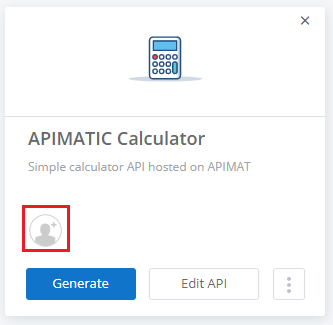
- On the API entity in the APIMatic dashboard, click on the Add team member sign to share your API with your team.
- Select your team from the dialog that opens. To manage teams, please refer to the Teams documentation.
